 DeepSwapper
From upload to export in three guided steps.
DeepSwapper keeps your face swap workflow fast and predictable. Whether you need a single photo face swap or a multi-scene video faceswap, the process stays consistent.

Step-by-step workflow
Follow a clear flow that keeps quality consistent and editing time low.
1. Upload & scan
Import photos or videos. DeepSwapper analyzes lighting, skin tone, and motion automatically.
2. Align & refine
Use precision controls to align facial landmarks and adjust blend strength.
3. Preview & export
Preview keyframes, approve quality, and export at full resolution.
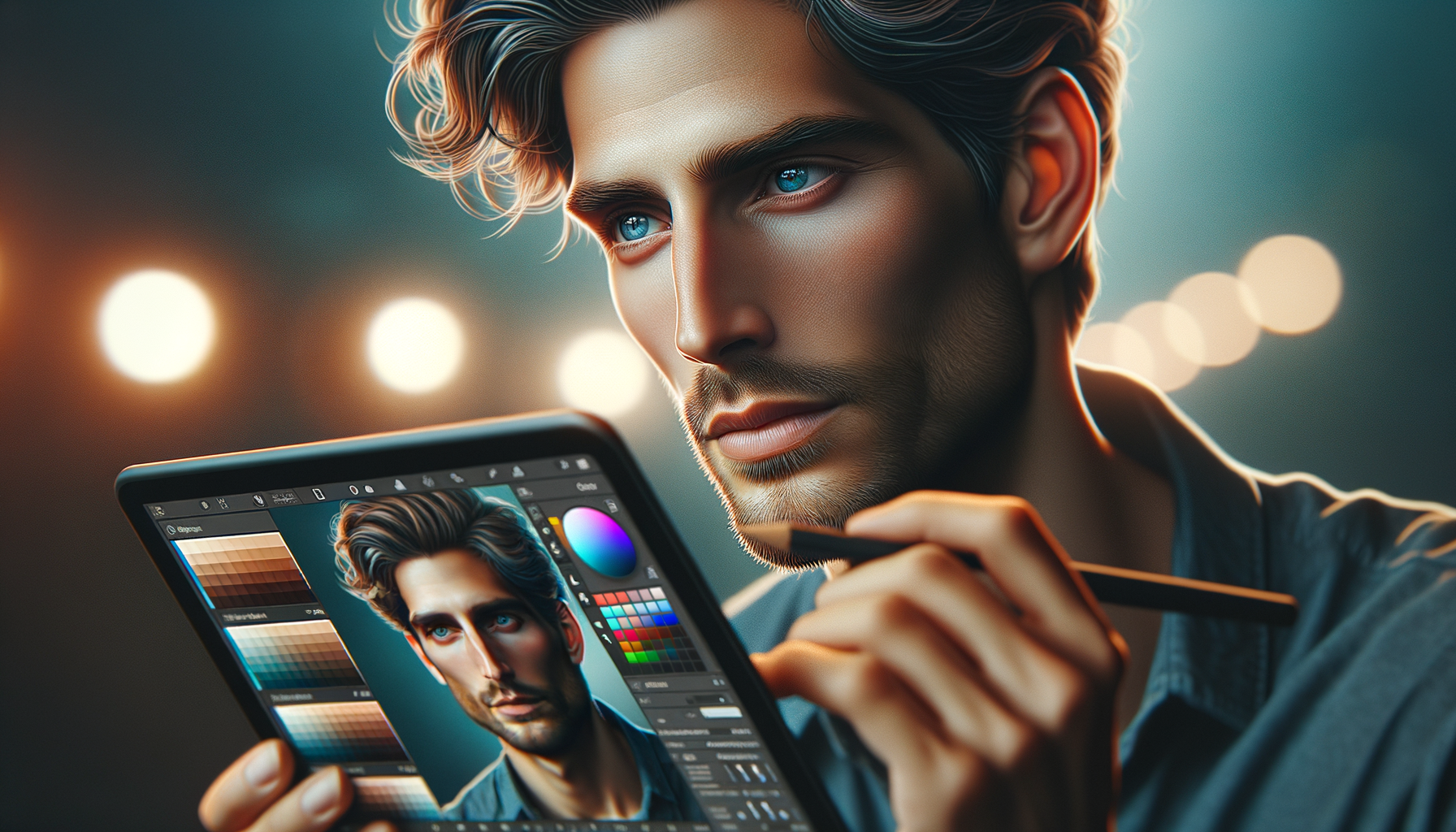
Photo face swap accuracy built in.
Preserve natural detail with intelligent lighting and texture recovery.
Smart landmark mapping
Adjust features with real-time feedback to avoid unnatural blends.
Texture preservation
Keep pores and highlights intact for authentic results.
Video faceswap without the rework.
Keep the same look across every scene with frame-consistent rendering.
Scene checkpoints
Approve key moments before processing the full timeline.
Batch exporting
Deliver multiple clips with consistent lighting and quality.
